ANO Directional Navigation and Scroll Wheel Rotary Encoder
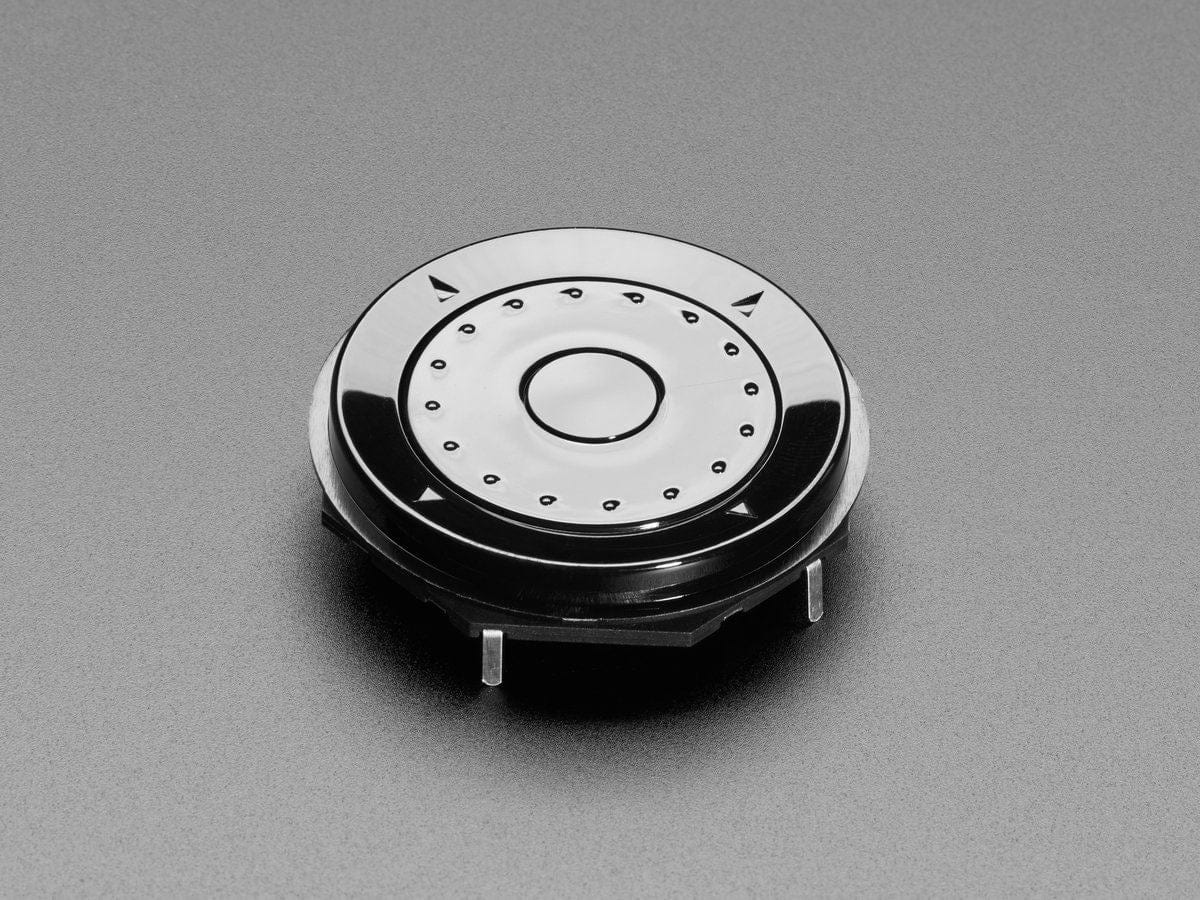
This funky user interface element is reminiscent of the original clicking scroll wheel interface on the first iPods. It's a fancy mechanical kit but has intuitiveness that is hard to argue with - everyone knows how to use this kind of rotary encoder to scroll and select.
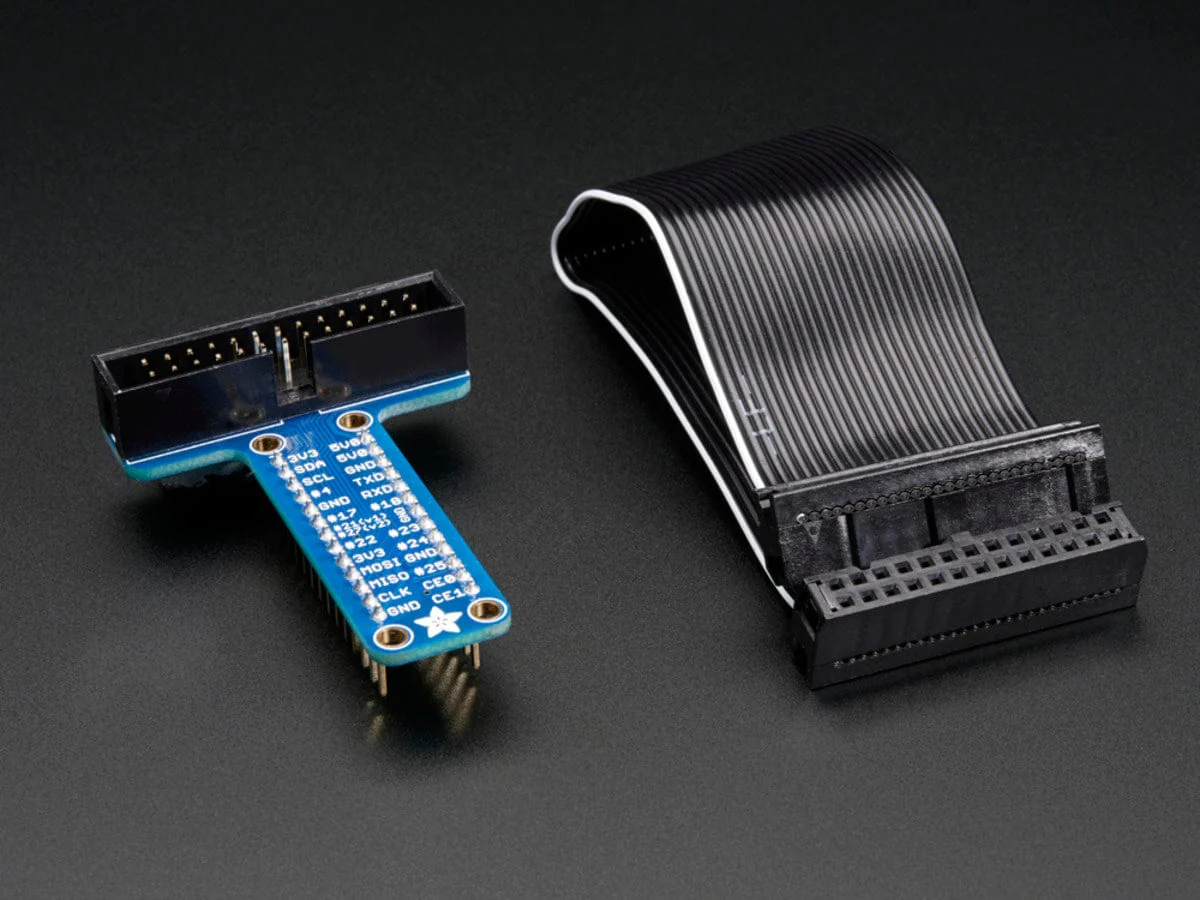
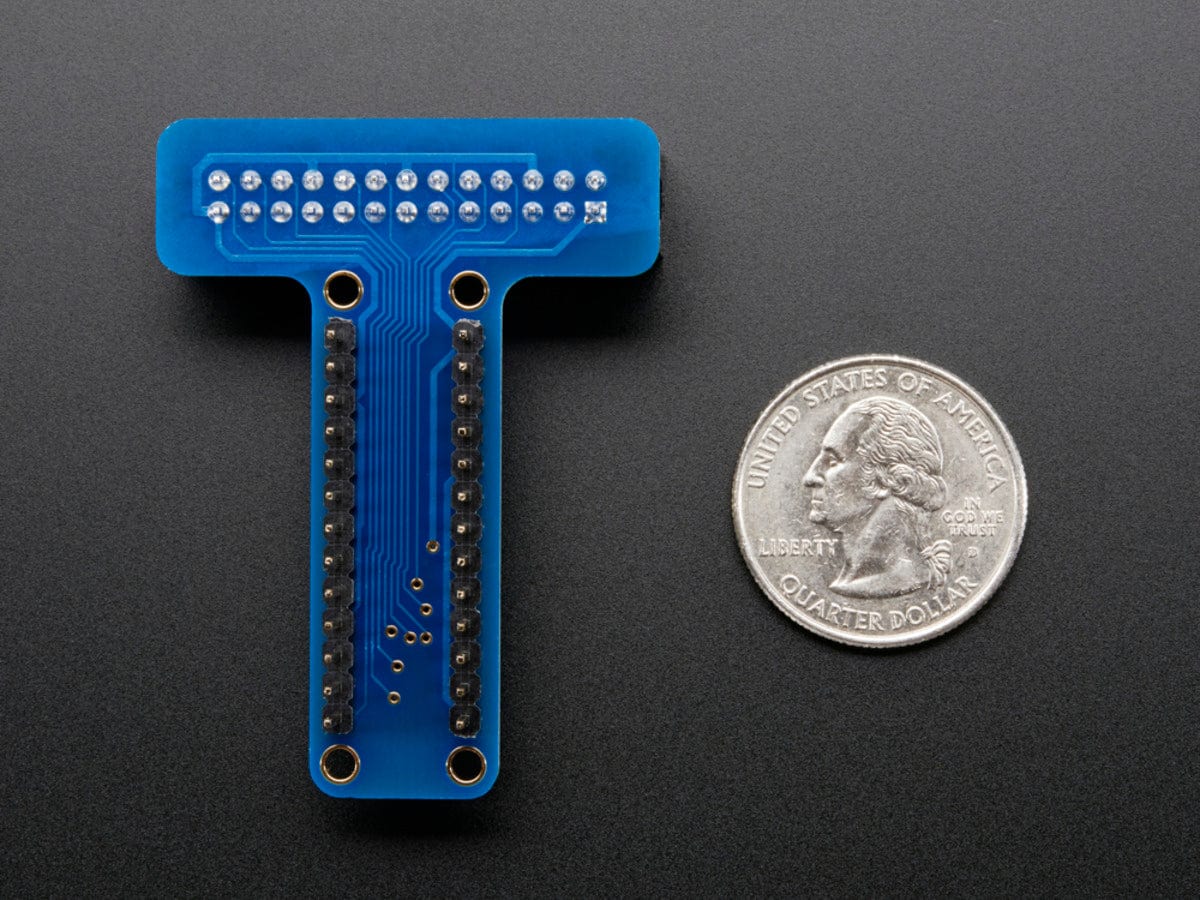
This product is just the encoder/button wheel element. The pin-out is a little odd, we really recommend our breakout PCB to turn it into a breadboard-friendly device. But, you could solder to the pins if you like.
There are 5 buttons (up down left right center) and a rotary encoder wheel in the center. Use with any microcontroller that can read pulse-code rotary encoders!
Technical Details
This funky user interface element is reminiscent of the original clicking scroll wheel interface on the first iPods. It's a fancy mechanical kit but has intuitiveness that is hard to argue with - everyone knows how to use this kind of rotary encoder to scroll and select.
This product is just the encoder/button wheel element. The pin-out is a little odd, we really recommend our breakout PCB to turn it into a breadboard-friendly device. But, you could solder to the pins if you like.
There are 5 buttons (up down left right center) and a rotary encoder wheel in the center. Use with any microcontroller that can read pulse-code rotary encoders!
Technical Details
Description
This funky user interface element is reminiscent of the original clicking scroll wheel interface on the first iPods. It's a fancy mechanical kit but has intuitiveness that is hard to argue with - everyone knows how to use this kind of rotary encoder to scroll and select.
This product is just the encoder/button wheel element. The pin-out is a little odd, we really recommend our breakout PCB to turn it into a breadboard-friendly device. But, you could solder to the pins if you like.
There are 5 buttons (up down left right center) and a rotary encoder wheel in the center. Use with any microcontroller that can read pulse-code rotary encoders!